AI
✍️ Save time — paste the customer email and let AI fill this form for you
AI status: open the analyzer, paste the customer email or attach a screenshot, then run analysis.
AI Quote Intake Analyzer
Paste the customer request, run analysis, then apply the results to the Odoo form.
1
Requestor Information
Required for routing, confirmation, and follow-up.
2
Customer / Project Information
Customer name is required. Add at least one customer contact method. Project type, addresses, and the original source email are included here so the quote details stay together.
3
Fence Product Information
Select a fence system, color, and height — all three are required. No option is pre-selected. The preview image updates automatically once both system and color are chosen.
Select a fence system above to see available height options.
![Selected Trex fence]()
Select a fence system and color above to see a preview here.
—
No selection yet
Select a fence system above to see product details and the cap preview.
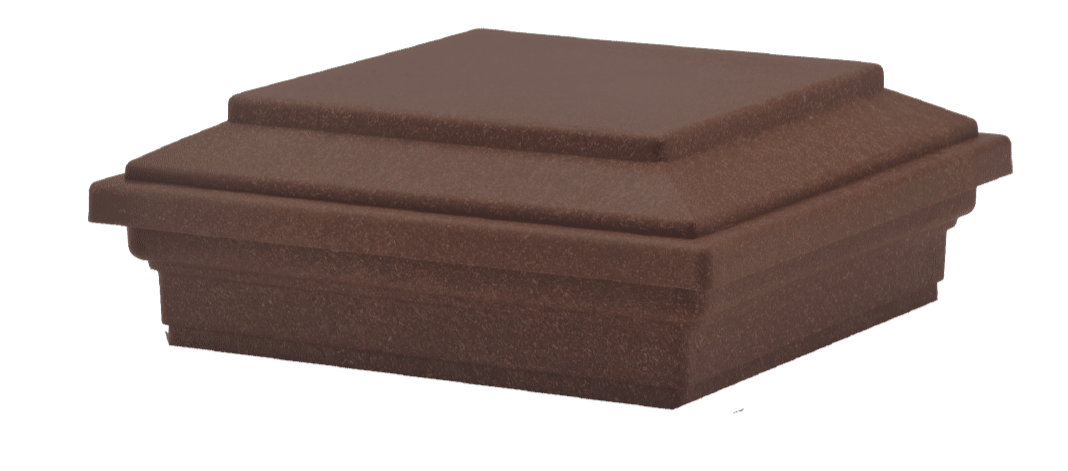
Post Cap PreviewUpdates when system and color are selected.
Required. Enter fence line measurements separated with commas, or enter the number of sections if measurements are unknown.
6
Attachments
Upload any files that help build the quote, such as site plans, takeoffs, drawings, photos, prior quotes, or competitor quotes. Start with one file slot and click + Add Another File whenever more uploads are needed.
Use the plus button to add another file chooser only when needed.
1 attachment slot shown.